
Select
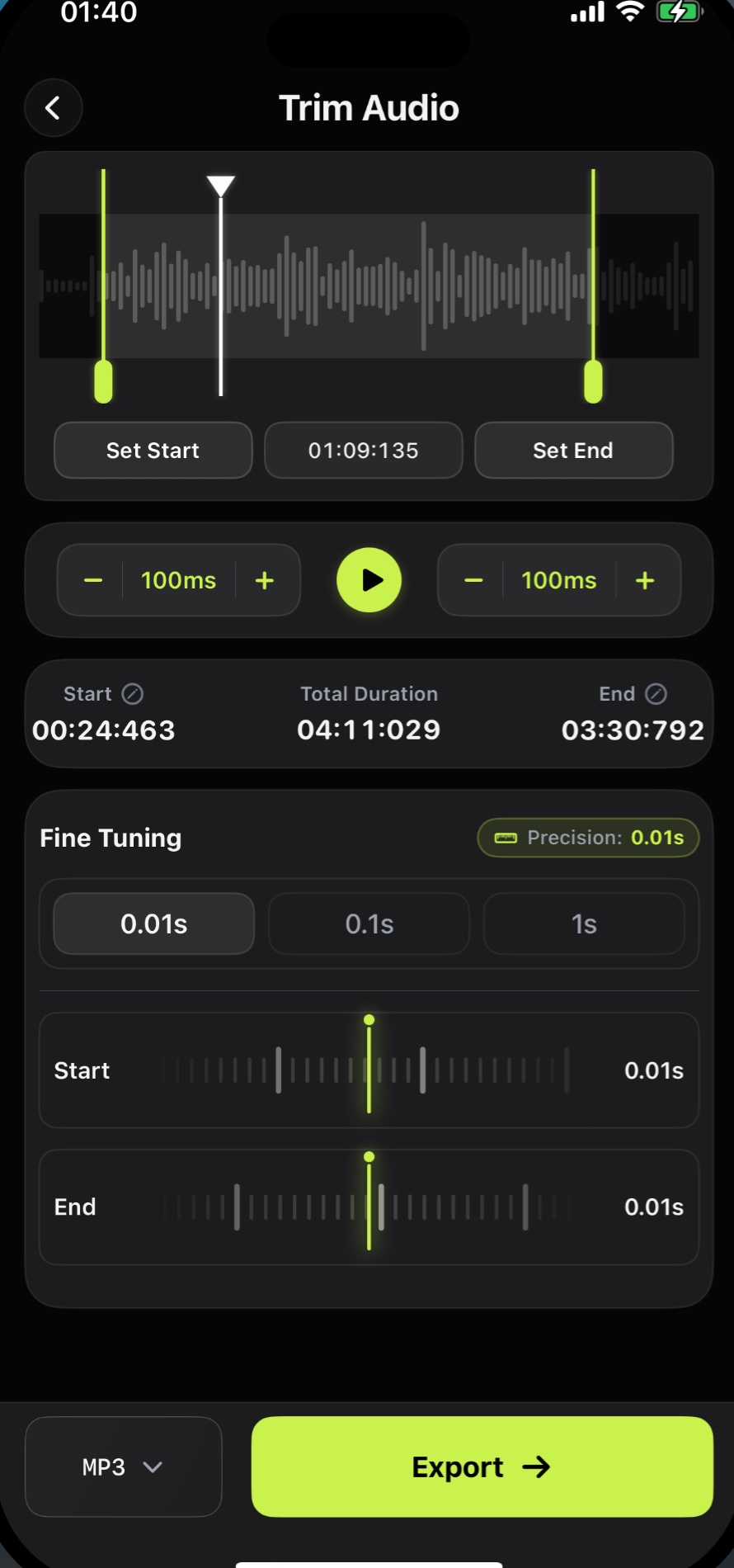
Mark the exact part of the waveform worth keeping.
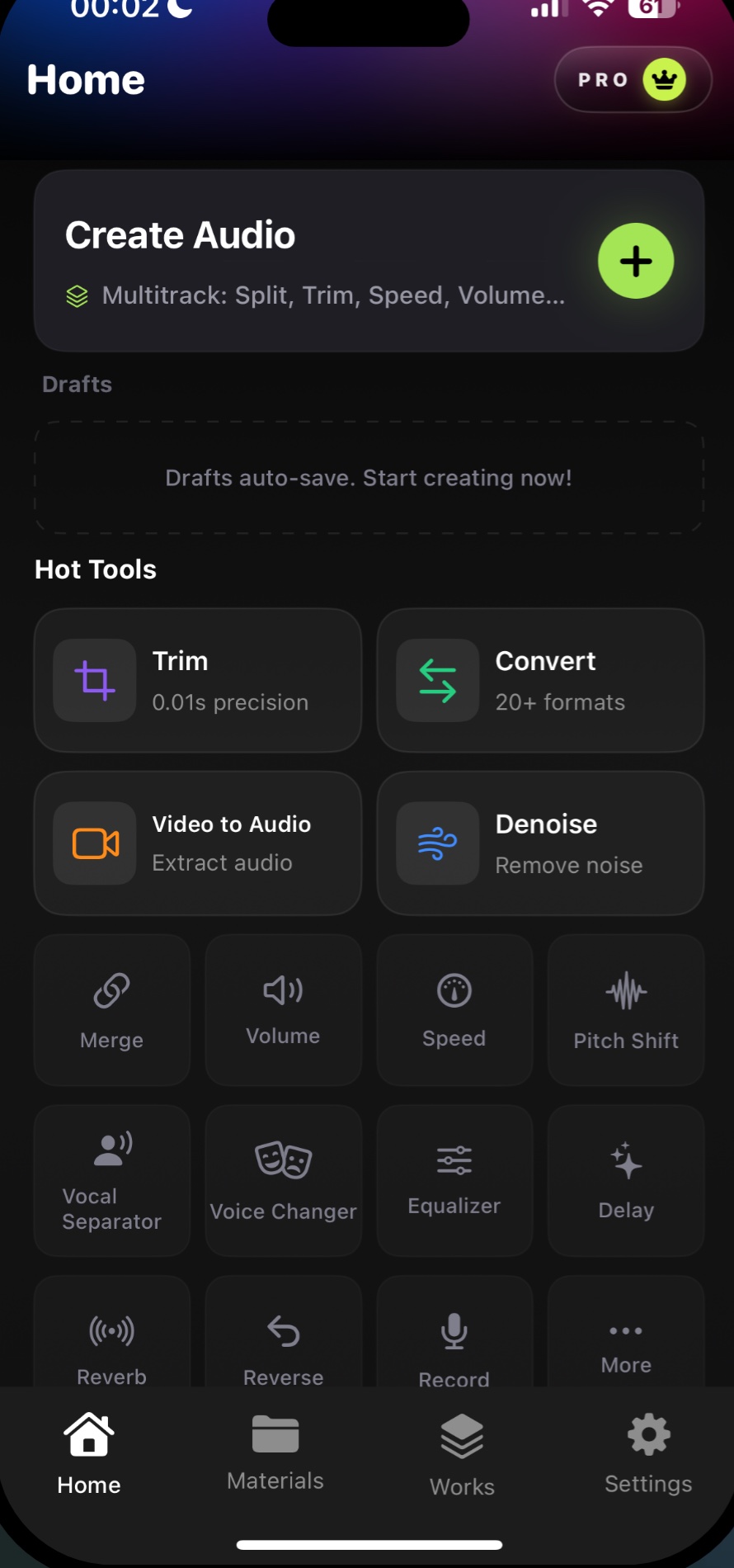
Trim, merge, clean, and export in 20+ formats with precise, on-device editing built for iPhone.
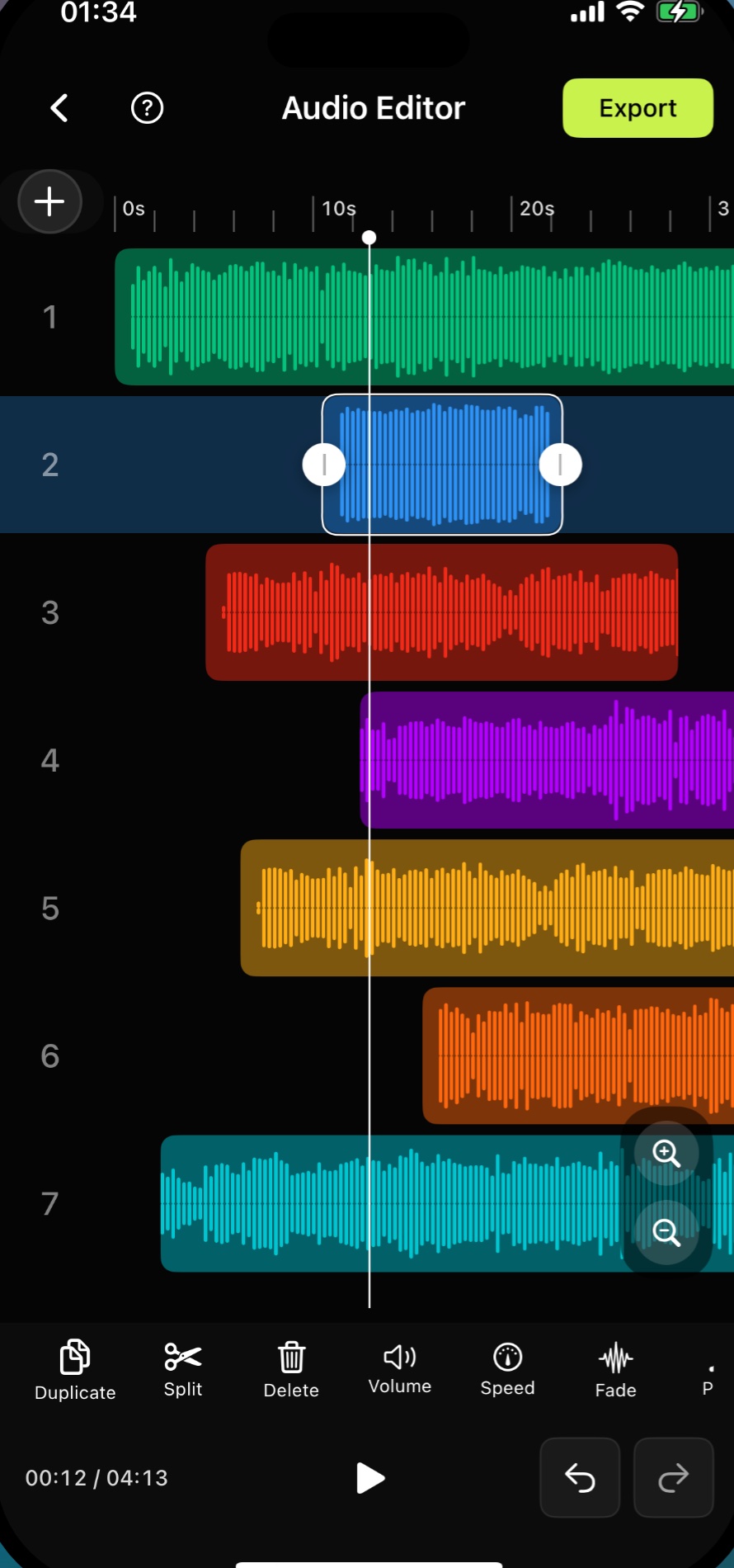
Real multitrack editing on iPhone
Audio tools
Precision trim
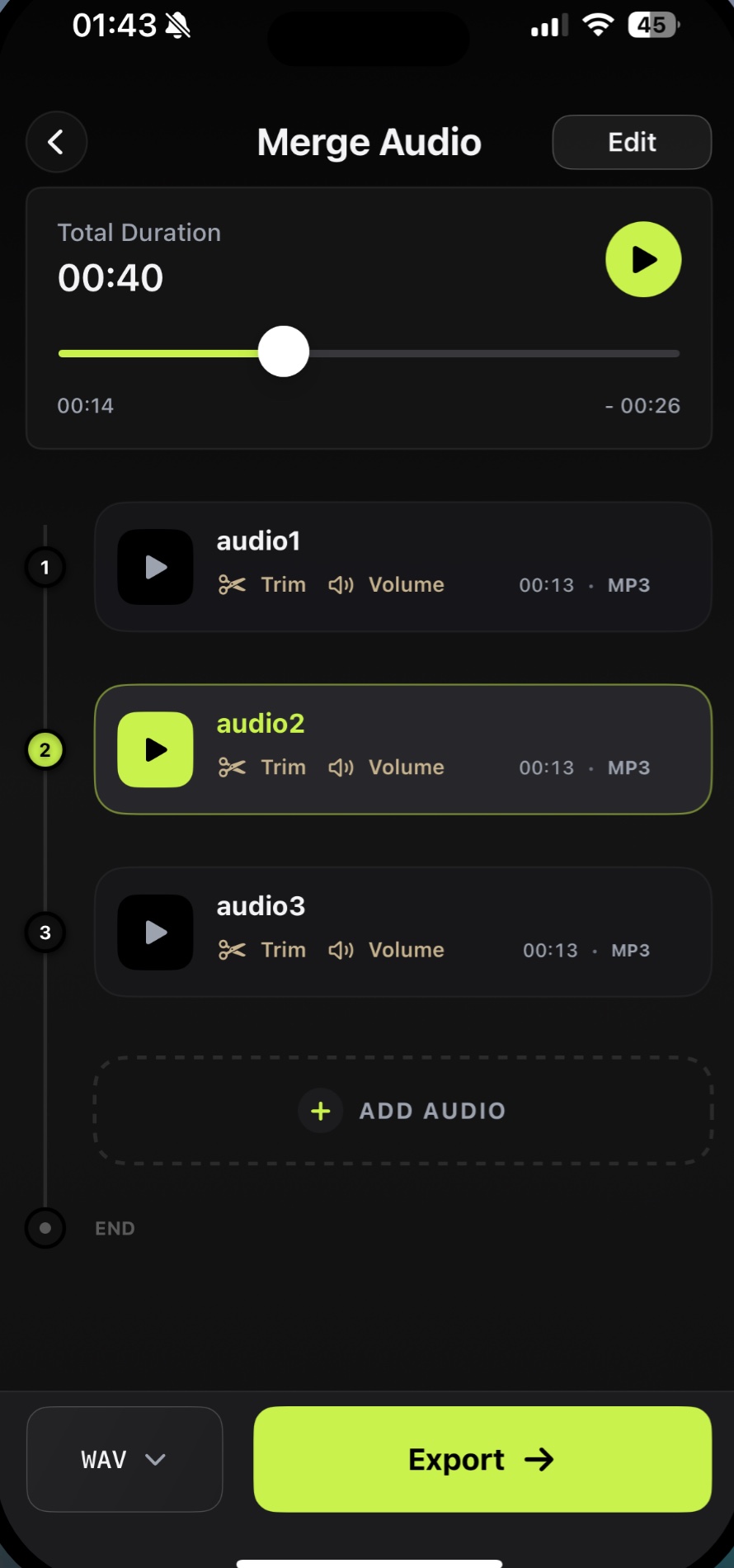
Merge clips
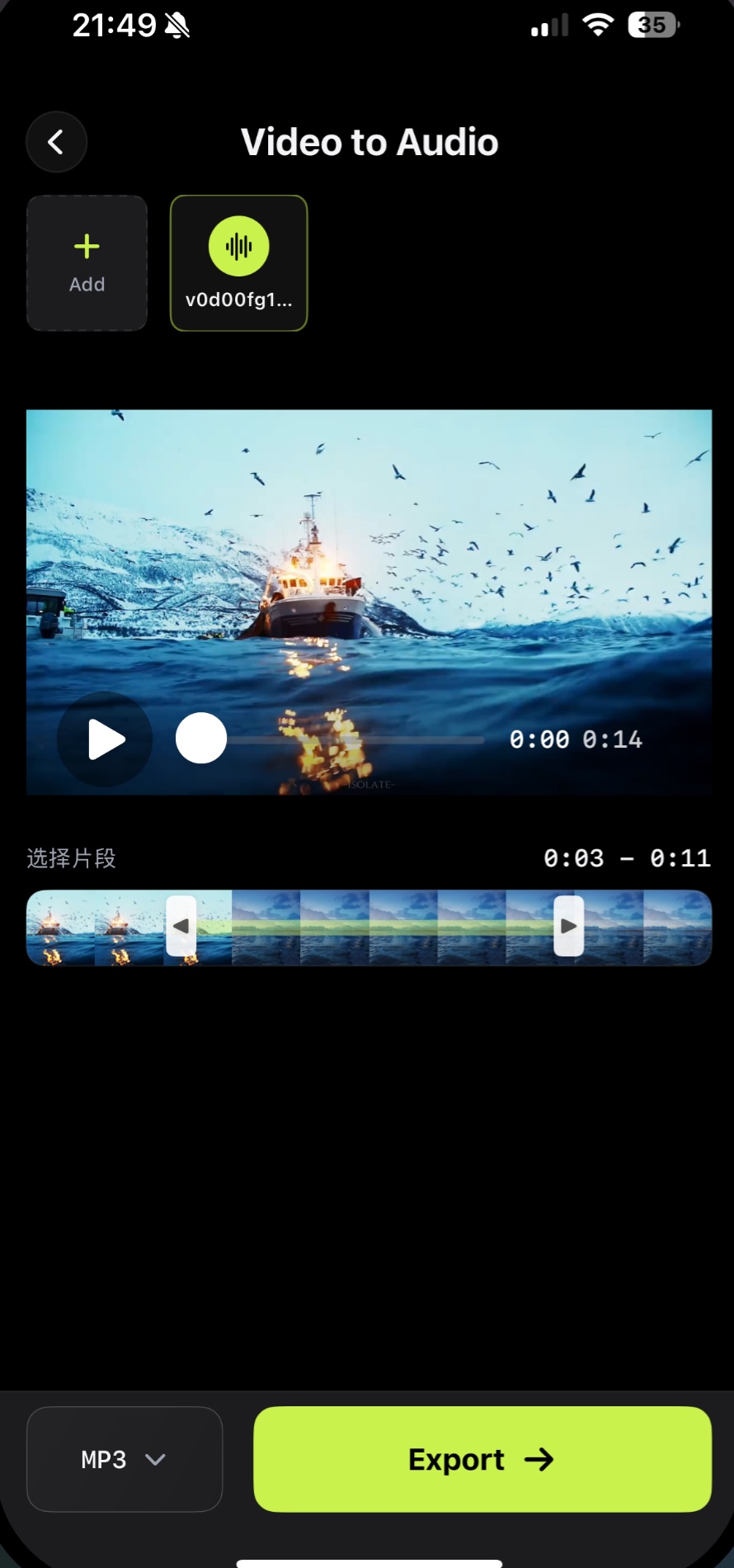
Video to audio
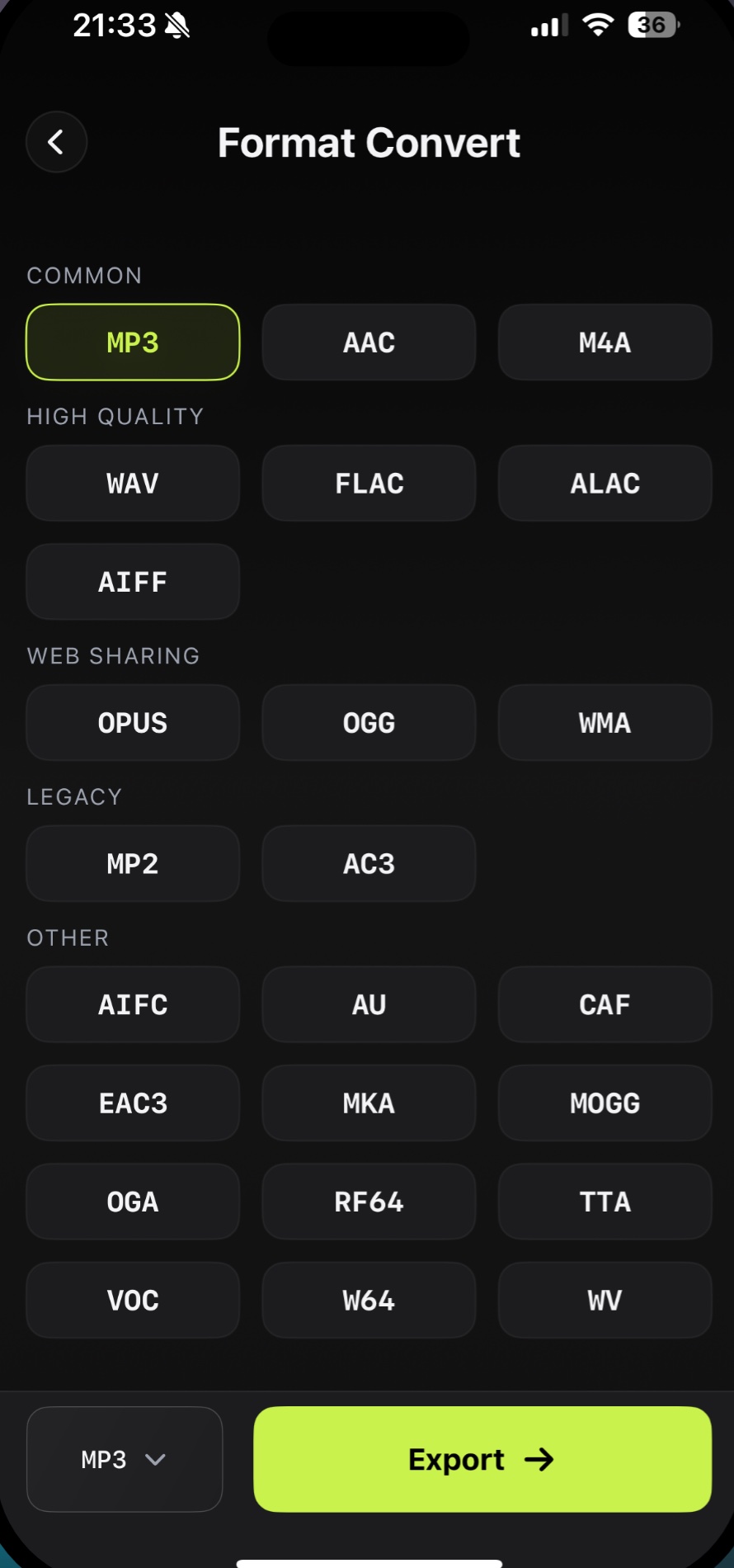
Format convert
Audio cleanup
Fine-tuning keeps small timing changes deliberate instead of approximate.
Mark the exact part of the waveform worth keeping.
Move either edge in 0.01s, 0.1s, or 1s steps.
Listen to the cut before the new file is created.
Move from source to finished audio in one focused workflow.
Bring in
 Audio Editorprocessed on device
Send out
Private by design
Choose a recording, audio file, or video from your iPhone.
Make the core edit without sending the source audio away.
Save the finished file in the format your next step needs.
Yes. You can import audio, edit it on iPhone, preview changes, and export the final file without moving it to a desktop editor.
The app supports MP3, WAV, AAC, FLAC, M4A, ALAC, OGG, WMA, and other audio formats.
The App Store description states that the workflow is offline and on-device, with no uploads or cloud processing for core editing.