Podcast and voice recording editing on iPhone
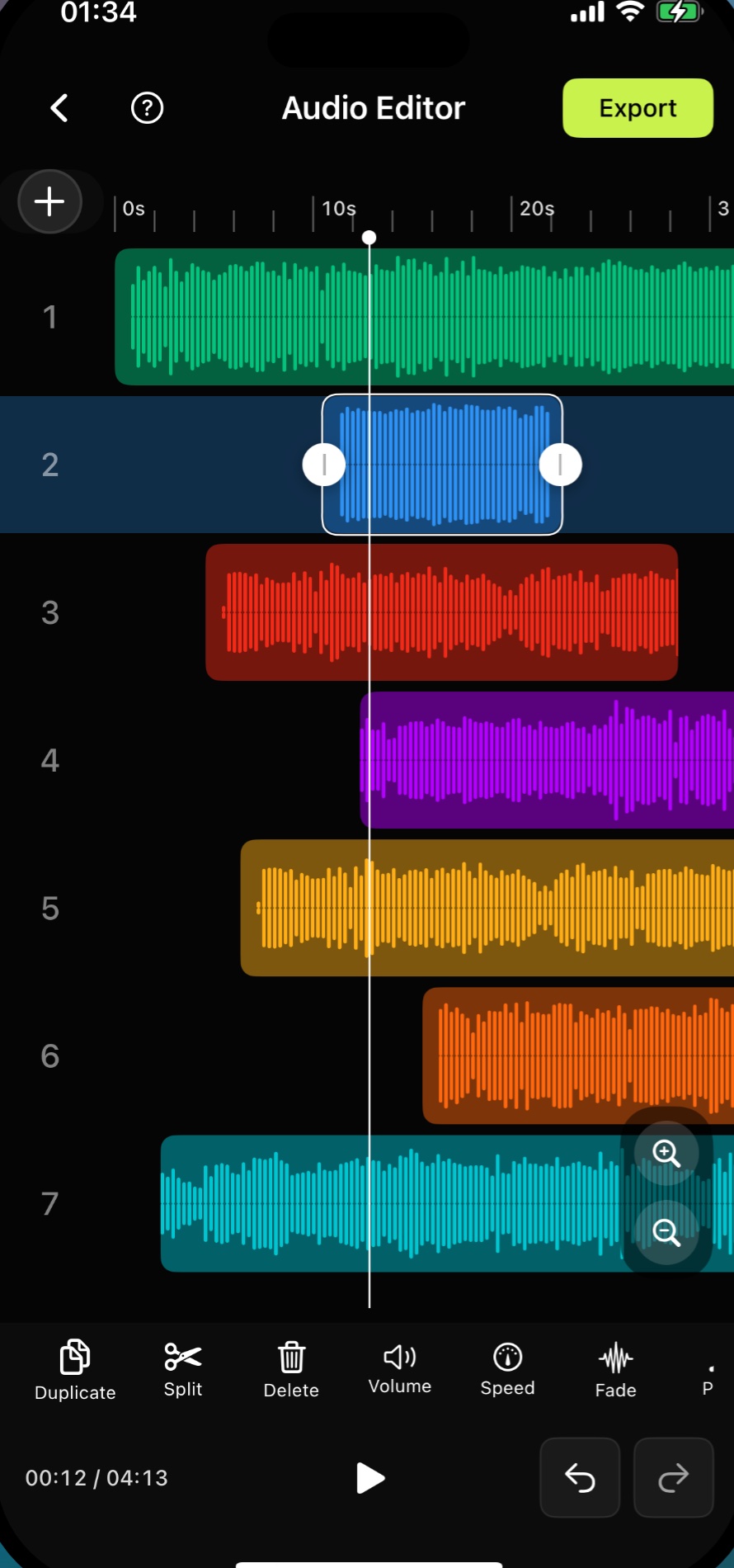
Audio Editor & MP3 Cutter is useful for podcasters and voice creators who need a lightweight iPhone workflow. It can trim long recordings, merge short segments, adjust volume, reduce noise, and export clips for publishing or continued editing.
Last updated: July 16, 2026
Use case
Trim pauses, merge segments, clean noise, and export voice recordings without opening a desktop editor.
- Cut silence and long pauses
- Merge intros, clips, and voice notes
- Reduce background noise
- Export in common audio formats
FAQ
Common questions
Is Audio Editor good for podcast clips?
Yes. It is best for lightweight podcast tasks such as trimming, merging, denoise, preview, and export.
Can I edit voice recordings?
Yes. Voice recordings can be imported, trimmed, cleaned, and exported.
Does it replace a desktop DAW?
It is built for fast mobile editing. Complex studio mixing is still better suited to a desktop DAW.
Edit your next audio clip on iPhone
Trim pauses, merge segments, clean noise, and export voice recordings without opening a desktop editor.
Free download. In-App Purchases.iOS 17.0 or later