
Audio cleanup
Denoise audio and separate vocals on device
Audio Editor & MP3 Cutter includes audio enhancement tools such as denoise, vocal separation, EQ, compressor, reverb, filters, speed, pitch, and volume. Core editing is designed around an offline, device-first workflow.
Last updated: July 16, 2026
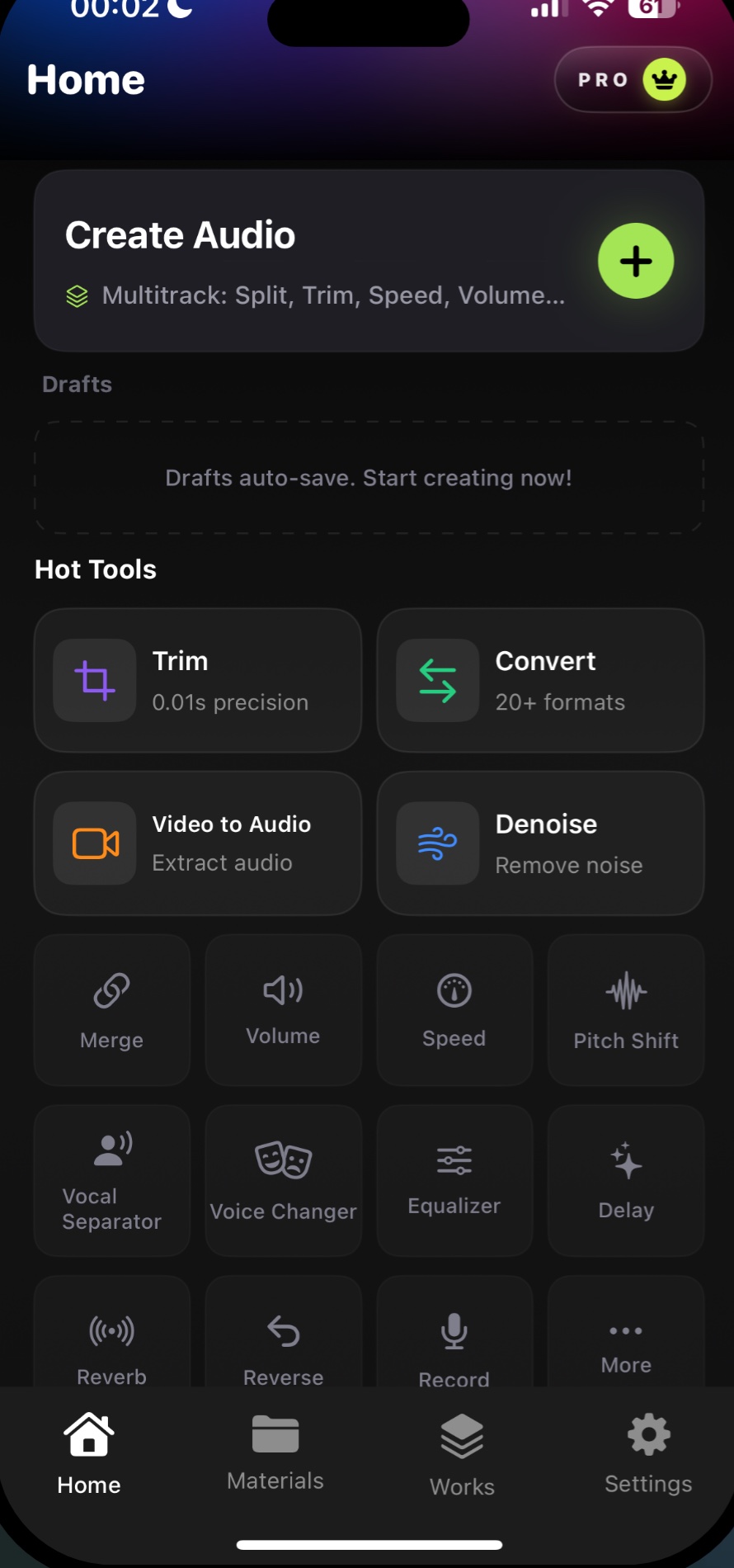
Audio Editor & MP3 Cutter includes audio enhancement tools such as denoise, vocal separation, EQ, compressor, reverb, filters, speed, pitch, and volume. Core editing is designed around an offline, device-first workflow.
Download on the App StoreWhy it matters
Clean recordings before you share
- Reduce background noise
- Use vocal separation on device
- Adjust EQ, compressor, reverb, and filters
- Change speed, pitch, and volume
FAQ
Denoise questions
Can I reduce background noise on iPhone?
Yes. Audio Editor includes a denoise tool for reducing background noise in recordings.
Is vocal separation cloud-based?
The App Store description states vocal separation is on-device and privacy-first.
Can I adjust speed and pitch?
Yes. The app includes speed, pitch, and volume adjustment tools.
Use denoise on iPhone
Reduce background noise and use vocal separation as part of a privacy-first, on-device audio workflow.
Free download. In-App Purchases.iOS 17.0 or later