
Precision trim
Trim audio down to 0.01 seconds
Audio Editor & MP3 Cutter lets iPhone users trim audio with 0.01 second fine tuning. It is useful for cutting silent openings, tightening voice recordings, preparing podcast clips, or keeping only the best part of a music or MP3 file.
Last updated: July 16, 2026
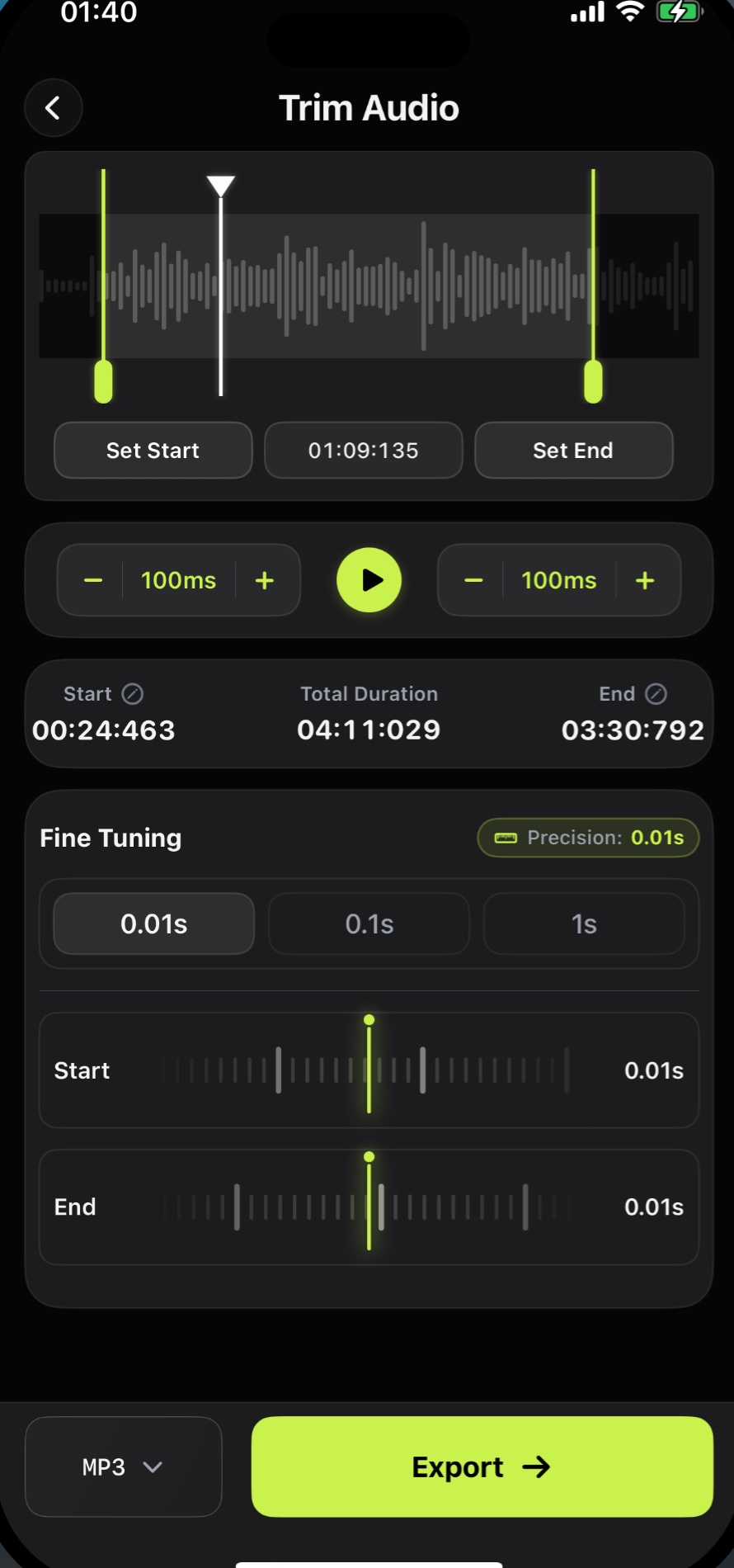
Audio Editor & MP3 Cutter lets iPhone users trim audio with 0.01 second fine tuning. It is useful for cutting silent openings, tightening voice recordings, preparing podcast clips, or keeping only the best part of a music or MP3 file.
Download on the App StoreWhy it matters
Make exact cuts before export
- Set start and end points on a waveform
- Fine tune in 0.01s, 0.1s, or 1s steps
- Preview before exporting
- Export to MP3, WAV, AAC, FLAC, M4A, and more
FAQ
Trim questions
Can I trim audio directly on iPhone?
Yes. You can import a recording or audio file, set the portion you want to keep, preview it, and export the trimmed result from your iPhone.
Does Audio Editor support precise trimming?
Yes. The trim workflow includes fine tuning down to 0.01 seconds for more accurate cuts.
Can I export the trimmed audio as MP3?
Yes. MP3 is supported, along with WAV, AAC, FLAC, M4A, and other formats.
Use trim on iPhone
Cut the beginning, middle, or end of a recording with waveform handles, fine tuning, preview, and export.
Free download. In-App Purchases.iOS 17.0 or later